Table of Content
WingOS Third Milestone
After nearly a year of development, the system is now improved in every way possible! This milestone is a huge stepping stone: from a custom UI system and porting DOOM, to rewriting the whole IPC system and improving everything.
WingOS is still a microkernel, meaning that the kernel is only responsible for the most basic tasks. While this is more secure and robust (as you can read in previous milestones or on the OSDev Wiki), it makes the system way harder to develop.
User Interface
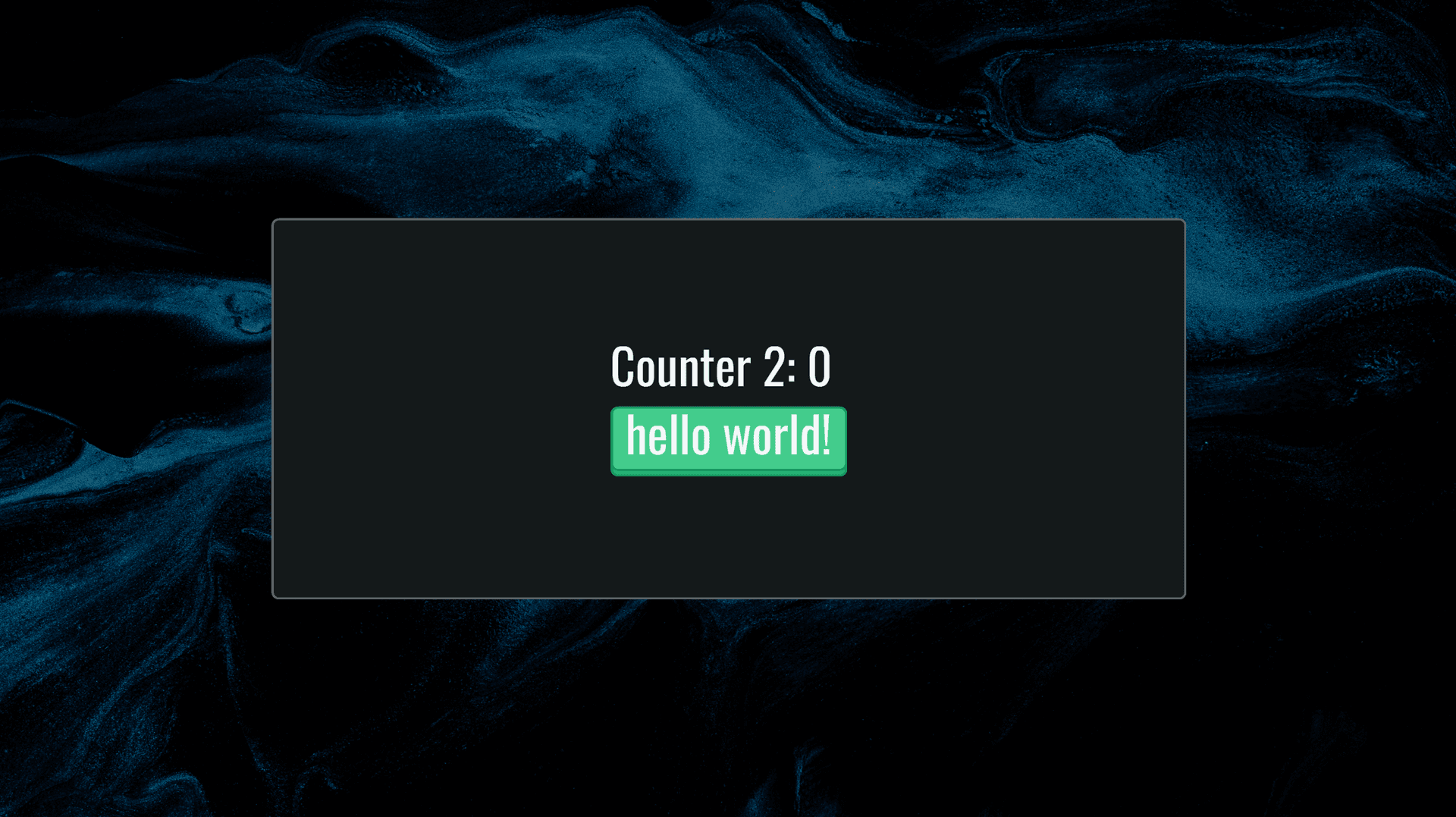
The GUI-Demo app running on WingOS (also supporting Linux), with a custom font, a reactive UI library, and a button.
The UI system is built in two parts, a rasterizer, and a 'widget/component' library inspired by Flutter for state management.
The rasterizer (wgfx/gfx) supports two platforms and rendering systems. It either uses OpenGL draw calls, or renders directly into a framebuffer provided by WingOS or SDL (Linux).
The "architecture" of a WingOS app
The Rasterizer
Alongside each UI library is a rasterizer. In WingOS, its role is to convert draw commands into pixels on the screen.
The WingOS graphics stack renders everything from scratch. It loads fonts using stb_truetype and renders them with strokes (it doesn't use the rasterizer included in stb_truetype).
The rasterizer is platform-agnostic, meaning that from any command stream, it can render to any framebuffer/screen.
It also includes the groundwork necessary to support OpenGL or even Vulkan (for now, OpenGL only renders rectangles).
When rendering something on screen, we create a canvas object. It is not strictly linked to a framebuffer or a screen; it just contains an array of commands, a context, a width, and a height.
This is especially useful for widgets that can just pre-record commands and avoid calling render() when their internal state doesn't change but still need a re-render (like after a layout change).
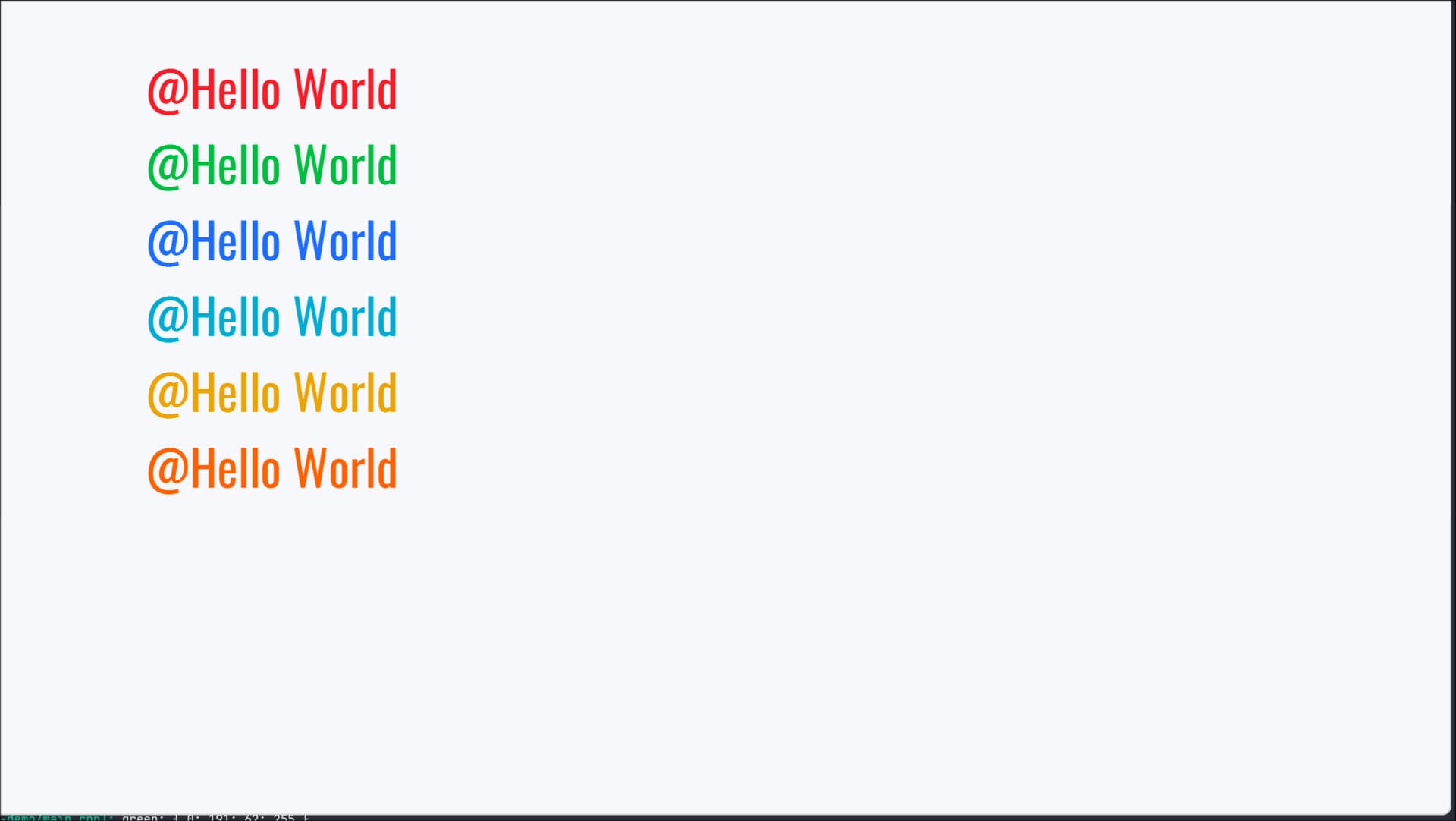
A basic demo of WingOS font rendering
Font rendering was especially hard because it had a lot of issues and edge cases. It still needs a lot of testing and I probably missed some cases, but now it produces some nifty results!
If you want to read more on the subject, I recommend reading this presentation: GPU-Centered font rendering directly from glyph outlines.
Something interesting is that WingOS doesn't use classic RGBA colors directly, but instead uses the Oklab color space as input, then converts to RGBA. At first it seems slow, but we can precompute colors when needed (for example, when rendering a rectangle without any gradient, we can convert the color to RGBA and store it in the canvas command).
The RGB color space is frequently used in computer graphics, but it is not perceptually uniform. This means that the same amount of change in a color value does not correspond to the same amount of perceived change in color by the human eye. Oklab is a perceptually uniform color space, which means that equal changes in color values correspond to equal perceived changes in color. This makes it easier to create visually appealing and more consistent color gradients and transitions.

A comparison showing the difference between Oklab (top) and HSV (bottom) color spaces.
If you are interested in learning more about Oklab, I recommend reading this article: gmshaders.com - Oklab by Xor.
The Widget System
struct MyState
{
    int counter;
};

class CustomWidget2 : public fc::Statefull<MyState>
{
public:
fc::SharedPtr<fc::Widget> build(const fc::UiContext &ctx) override
{
    auto res = fmt::format_str("Counter 2: {}", counter | fmt::FMT_PAD_ZERO).take();
    auto font = fc::FontsRepo::the().find("oswald@96");

    return $<fc::VFlex>(
        $<fc::TextWidget>(res, font), // counter 2: 0
        $<fc::Button>(                // hello world button with callback
            fc::AutoCallback$(
                [](CustomWidget2 *w2){
                    w2->setState([&](){ w2->counter++; });
                }),
            $<fc::TextWidget>("hello world!", font))
    );
    }
};
The WingOS widget system is quite complex; I may rework it later on, but for now I particularly like the way it works. Generally, in a widget system, the hardest part is managing state.
React handles this by creating a virtual DOM: when state changes, it creates a new virtual tree of widgets. When updating the state, it then compares the old tree with the new one and updates the real DOM accordingly. This is a very good approach, but it is not particularly memory-efficient.
The Widget Tree
A widget in WingOS is either a widget with state (stateful) or a widget without state (stateless meaning it only depends on its constructor). A barebones widget contains multiple pieces of data:
- its children
- its layout
- its rendering commands
It's like having a different tree alongside the current widget tree for the state. When calling setState() on a widget, it marks the widget as dirty.
Then the system calls the build() function of the widget (seen in CustomWidget2 above). It returns a new local tree of widgets. The system then compares the old tree with the new one and transfers the state and all the children to the new one.
fn widget.transferTo(new_widget) {
    new_widget.state = this.state;
    new_widget.layout = this.layout;
    new_widget.children = this.children; // ALSO TRANSFER CHILDREN!
}

fn widget.rebuild() {
    mark_layout_dirty();
    mark_render_dirty();
    new_tree = build();

    for new_widget in new_tree

        old_widget = old_tree.['
            get the widget that either:
            - is at the same ordered index AND same underlying type
            - OR the same key provided by the user
        ']

        if(!old_widget) // if no old widget found, create a new one and add it to the tree
            new_widget.mount();
        else
            old_widget.transferTo(new_widget); // transfer state, layout, etc. to the new widget. This is the most important part of the system: it preserves the state of a widget across rebuilds
            new_widget.rebuild();

    // unmount widgets that are no longer in the tree
}
This architecture, while a bit complex, allows the system to use less memory and has the potential to be very fast! However, for now, relayout and rerendering are not fully optimized and run a bit slow. I plan to optimize and improve them for the next milestone. For now, it is more of a proof of concept than a production-ready widget system. It achieves a full relayout, rerender, and rebuild of ~102 widgets in under 20ms (on a 960x720 screen, with text, buttons, images, and containers all nested inside each other). The slow part is the unoptimized rerendering pass, not the tree update itself.
DOOM!
For this milestone, I wanted to get DOOM running on WingOS. This meant implementing missing libc functions and making the system mature enough to run a full game. And it worked! This required:
- Implementing many standard libc functions and porting libmath (
libm) to WingOS - Supporting mouse and keyboard (through PS/2), as well as supporting pipes
- Adding timer support (through the HPET)
- Integrating a makefile-based porting system with the help of the cutekit build system
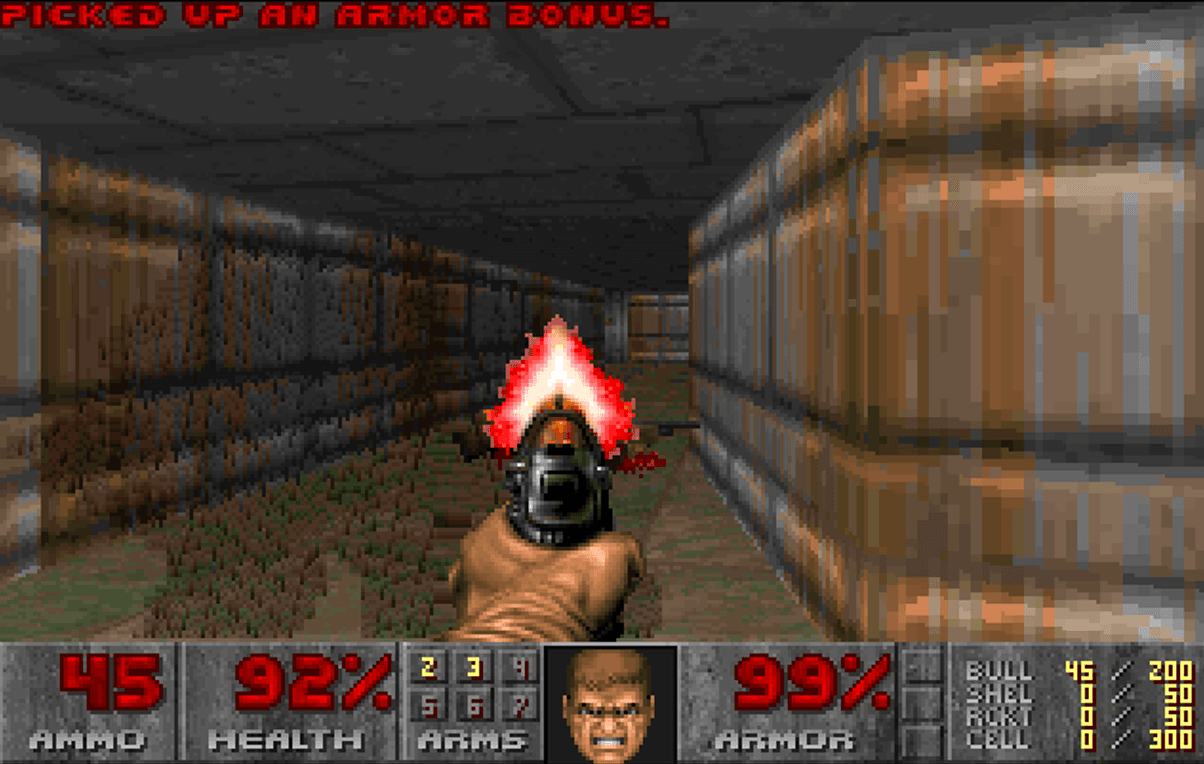
A screenshot of DOOM running on WingOS. The game is fully playable and runs smoothly.
IPC Rewrite
Old IPC
Before this milestone, the IPC system was a bit messy and not really well designed. Previously, the kernel had multiple kinds of objects in an address space:
- Server objects [containing array of connections]
- Connection objects [containing array of messages]
These seemed simple at first, but were actually far more complicated than they should have been. To create a connection, you had to have a server object. Then you had to call sysConnect, the server had to accept the connection by calling sysAccept, and only then could you send messages. This was flawed because it wasn't the right abstraction layer (or communication model).
- When asking for a response, you had to do it per message: calling
sysGetResponserequired providing a connection and a message ID. This was awkward because, in general, over a single connection you never get two return values at the same time. Yet the kernel had to track each connection in the server and store every return value. - Another issue was that the server couldn't distinguish between different connections. The only way to know which connection was sending a message was to create a new server object for each client. For example, in the compositor service, it worked like this:
- Client 1 connects to the main compositor server and asks to create a new window.
- The compositor creates a new server object to represent this window and returns the connection to the client.
- Client 1 uses this connection to talk to the new server.
- It was impossible to implement blocking cleanly, because when the server asked to wait for a connection, how would it know whether it was waiting for:
- A new connection / connection acceptance
- A new message
- And because servers were split into separate sub-servers, it would need to block on every single server object it owned (such as each window in the compositor).
At first, I wanted to implement a new object representing a group of server objects. But while writing this blog post and explaining parts of the old IPC system, it just felt wrong, and I realized that I needed to rewrite it to improve its design.
Below is a (simplified !) diagram of the old process of creating a connection, sending a message, and receiving a response from a server:
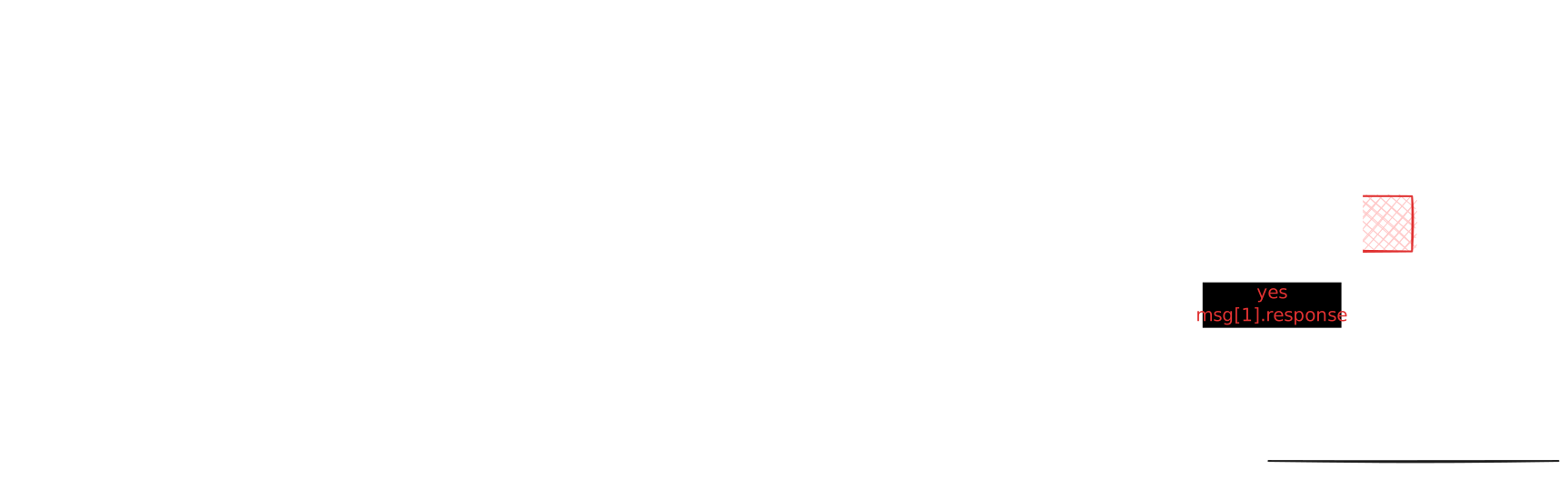
A diagram representing the old process of connecting, sending a message, and receiving a response from a server in WingOS.
New IPC
Now the system has far fewer system calls. In general, the API looks like this:
- Client syscalls:
Connect(EndpointObjectId): (connection)-> Create a new connection object to the endpoint and map the connection to a unique port. Theconnectionobject is just a view for sending/receiving messages through a port.Send(connection, message, async): void-> Send a message without expecting a return value.Call(connection, message): (message)-> Send a message and wait for a response (always synchronous).
- Endpoint/server syscalls:
CreateEndpoint(): (Endpoint)-> Create a new endpoint object (an endpoint can be thought of as a server object).Receive(Endpoint, async): (message, reply_obj)-> Wait for an incoming message.Reply(reply_obj, message): void-> Reply to a received message.
Here is how the new flow works:
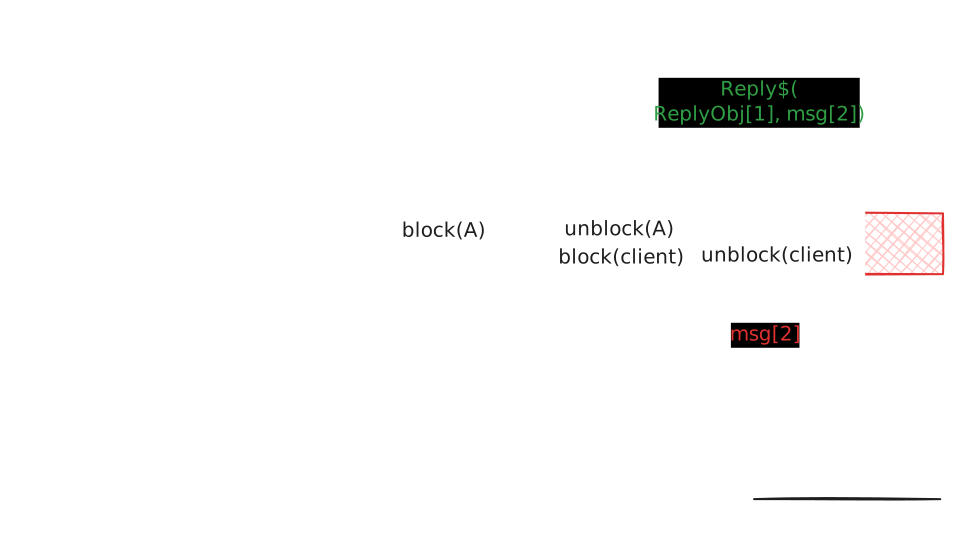
A diagram representing the new process of connecting, sending a message, and receiving a response from a server in WingOS.
- 1: The client calls
connect$on the endpoint. The kernel creates a new connection object and maps it to a unique port. - 2: The server calls
receive$to wait for a message. The kernel blocks the task until a message is sent to it. - 3: The client receives the connection handle mapped to a port.
- 4: The client calls
call$to send a message and wait for a response. The kernel blocks the task until a response is sent back. The kernel unblocks the server and copies the message into its memory space (a single copy is done here). It also creates a new reply object (replyObj[1]) that will be used to reply to the message and unblock the client. - 5: The server calls
reply$to send a response to the client. The kernel unblocks the client and copies the message into its memory space (again, a single copy is done here). The reply object is destroyed after the reply is sent. - 6: The client receives the response and continues execution.
The system uses a 'rendez-vous' model inspired by seL4.
When performing a call, the kernel pauses the current task and adds the message pointer to the endpoint queue (after verifying that the pointer is accessible and valid). The endpoint task will then either wake up or call Receive. Because the sender task is blocked, we are guaranteed that the message in the sender's memory space remains valid, and we can copy it directly to the receiver's space.
This is very fast and efficient because we only do a single copy of the message.
This is implemented using two queues: the endpoint has a synchronous queue and an asynchronous queue. Asynchronous messages cannot receive a response.
- When receiving a synchronous message (where the sending connection is blocked), the kernel adds a new
reply_objectto the server space. This object is used to reply to the message; in fact, it is simply a reference to a task and a connection. When the server callsReply, it wakes up the task and copies the message into its memory space using a single copy. - When sending an asynchronous message, the kernel copies the message into the async queue space and wakes up the receiver task if it was blocked. The server can call
Receive, but will get a copied message and noreply_object. This is useful for asynchronous IPC, though it can be slightly slower than synchronous IPC.
You can think of the async queue as a queue of raw messages, while the sync queue is a queue of message pointers and blocked tasks.
This new IPC system expects the server to use a single endpoint and differentiate between connections by using ports. This provides a better abstraction layer and makes implementing blocking much simpler, though it meant rewriting every service.
A big part of this milestone was also spent improving the scheduler and the system so that interrupts are not disabled during syscalls. I wanted the scheduler to be able to run while executing syscalls (except in critical sections), which meant improving the stability of the system and fixing many bugs (since SMP scheduling alongside preemptible syscalls is not easy).
Stance about AI

For the future developpement of WingOS I wanted to avoid using AI to write code, but still found a use of those tools when developping projects. Thus I decided to clarify and make a clear rule for when I would/may use AI tools and when I won't. This is an extract of by-human.net it clarify what the project consider a correct use of AI:
AI should not be used in the project to generate code. It can instead be used as:
- A smart grep or a smart google. For example, fetching in a new codebase where something is implemented or maintained.
- Reviewer helper. When having a lot of PRs having an AI to catch bug/review code is helpful.
- Learn a codebase (example: how do you do X ?) to learn by example or to explain something if there is no documentation. You should write the documentation after if you are maintaining the project.
- Using AI to ask for help with a bug, but not to write the fix for yourself.
- Asking how a feature could be implemented, but not to write the final implementation for yourself.
Every time you use an AI to help you think, it must be reviewed by a Human. You must also take responsibility of the elements the AI generated or told you.
Note that AI should be used sparingly and only after a Human was unable to provide a quick solution/alternative. You should always take into consideration the output of the AI and the consumption of energy & ecological footprint before using it.
My opinion may evolve in the future but I feel like this is a good compromise between using AI to help you think and not using it to generate code. I also feel like this is a good way to avoid the risk of AI being used to generate code that is unmaintainable or that is not well thought out.
Conclusion
You can explore or contribute to the project on the WingOS GitHub repository.
The next milestone will focus on improving the userspace experience:
- Shell
- Improvements to the UI system
- Virtualization support using Intel VT-x
- More software ports
- POSIX signals support
Stay tuned for more updates!